
The overview
Every screen at a glance
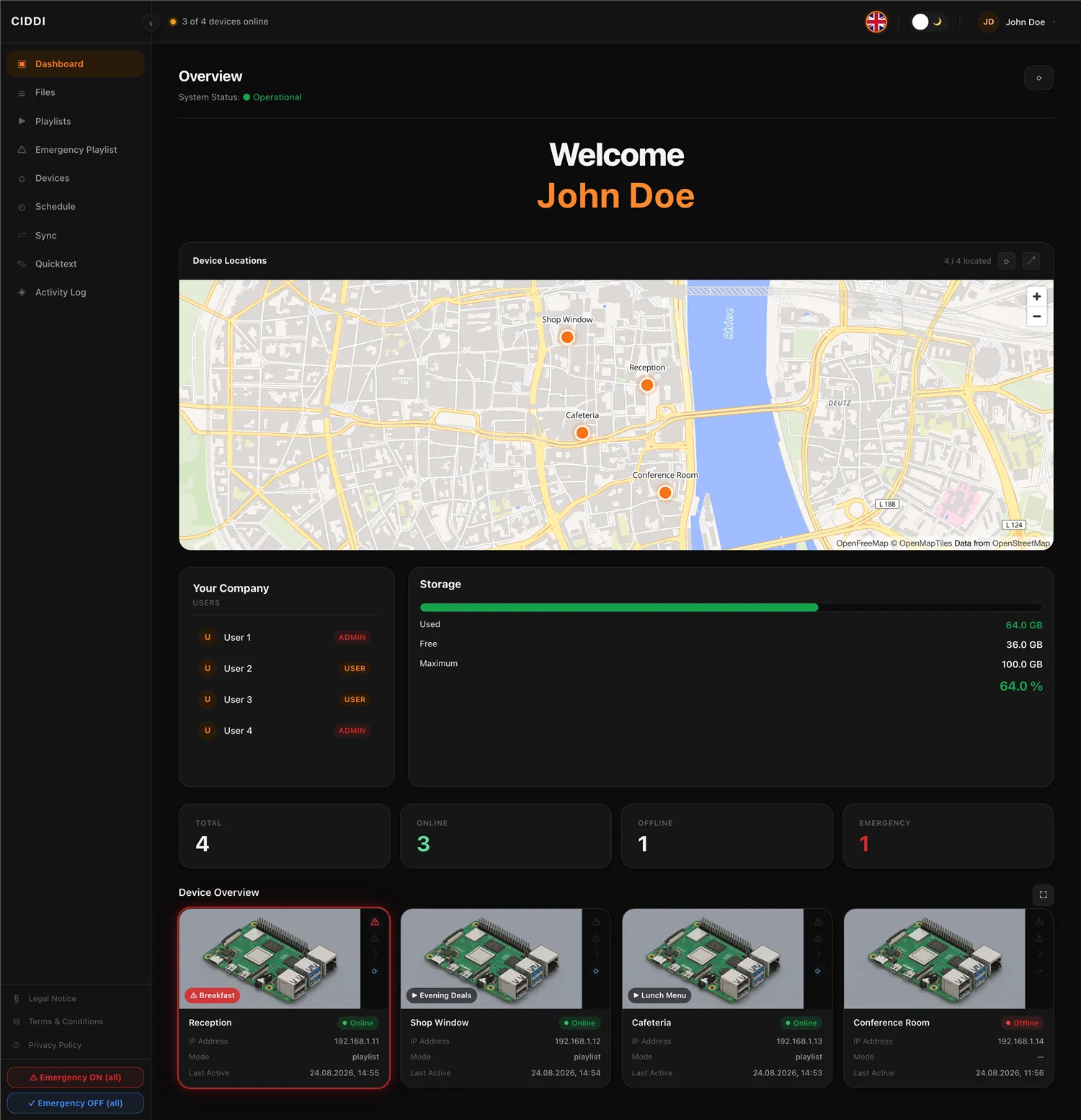
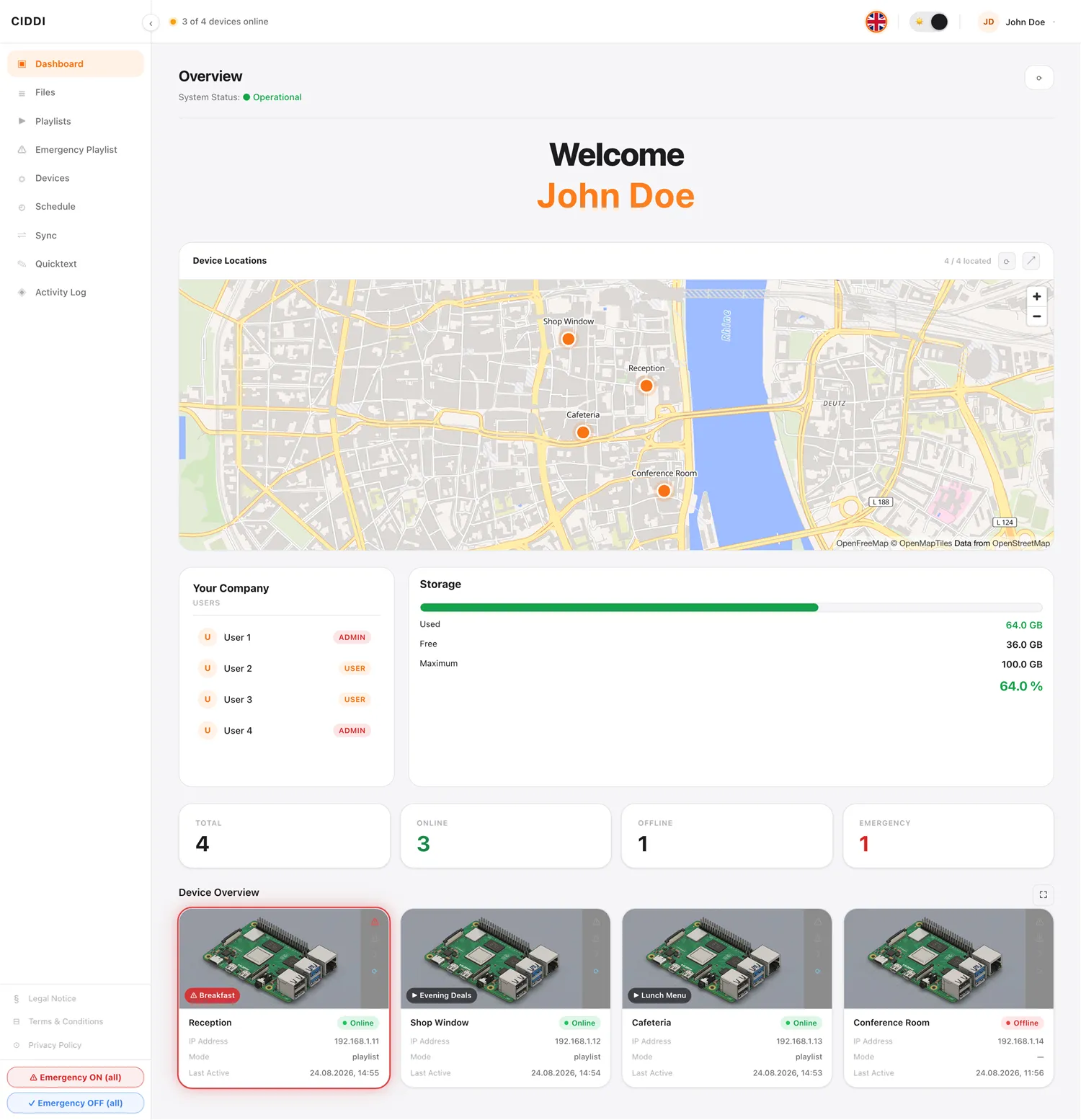
The dashboard shows every screen live on a map – with status, location and current playback. At a glance you see how many screens are online, offline or in emergency mode.
Content
Build playlists in a few clicks
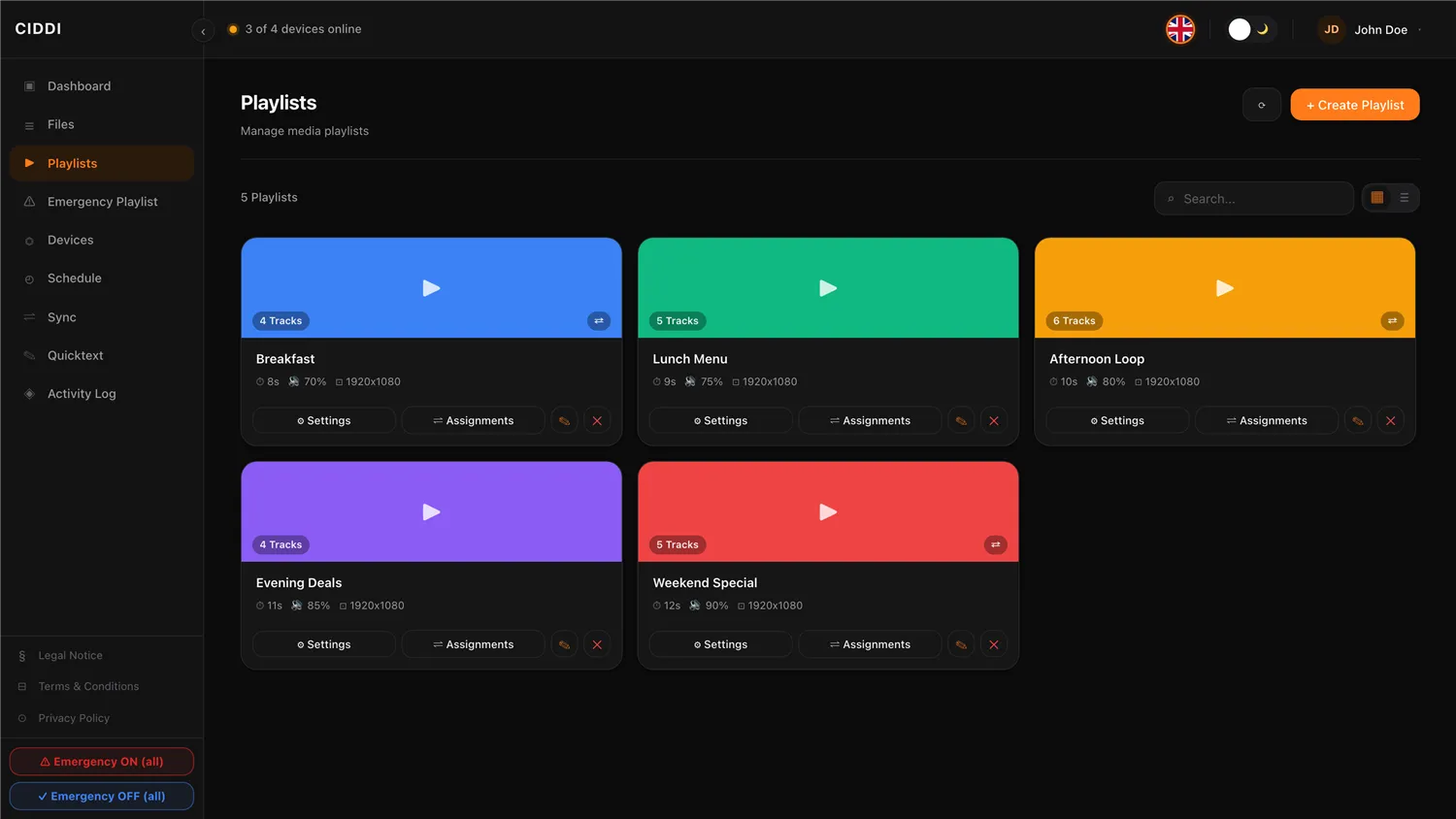
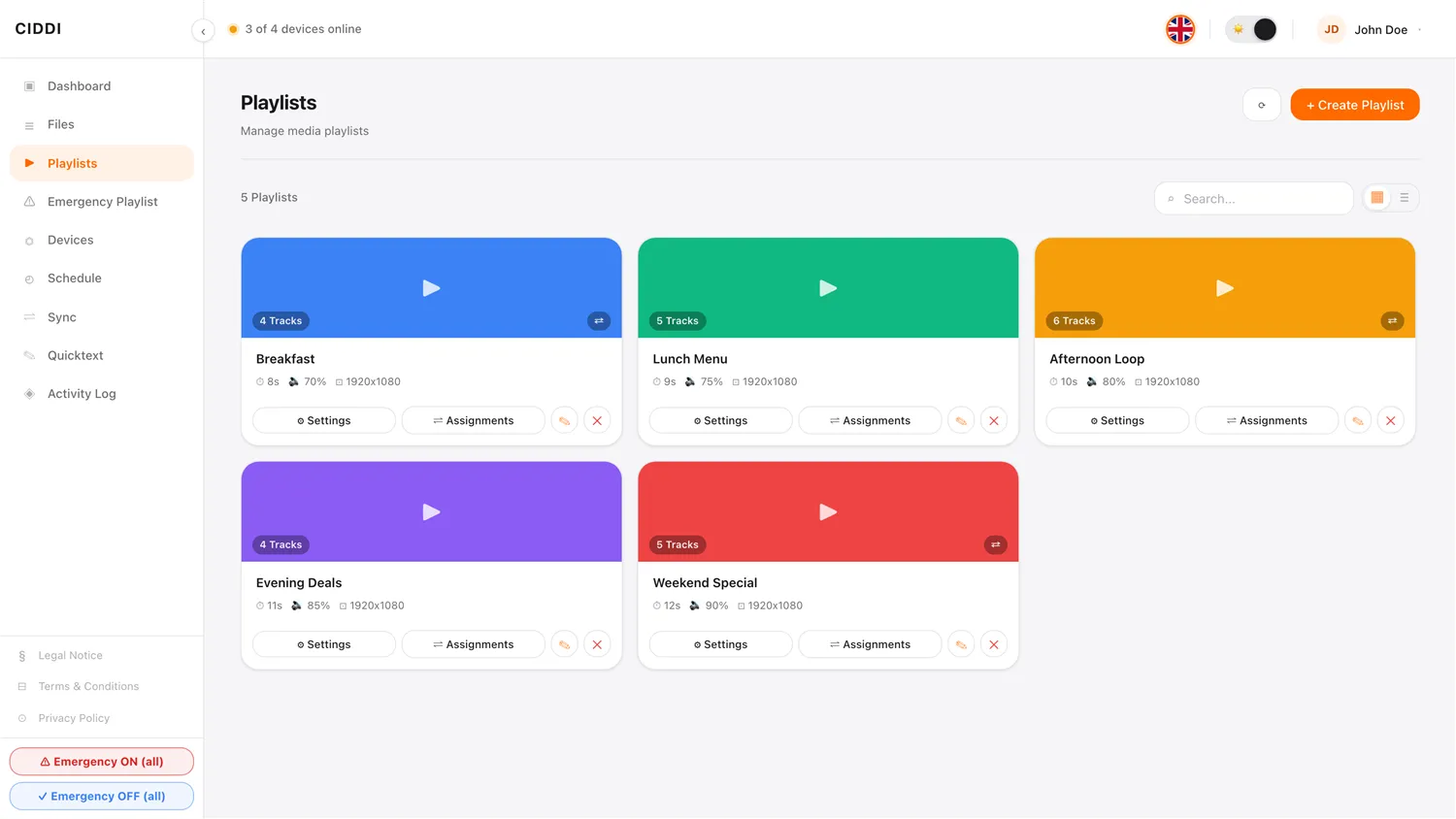
Upload images and videos, set the order by drag and drop, and define volume and display duration per item – finished playlists can be assigned to any screen.
Management
Every screen, individually in hand
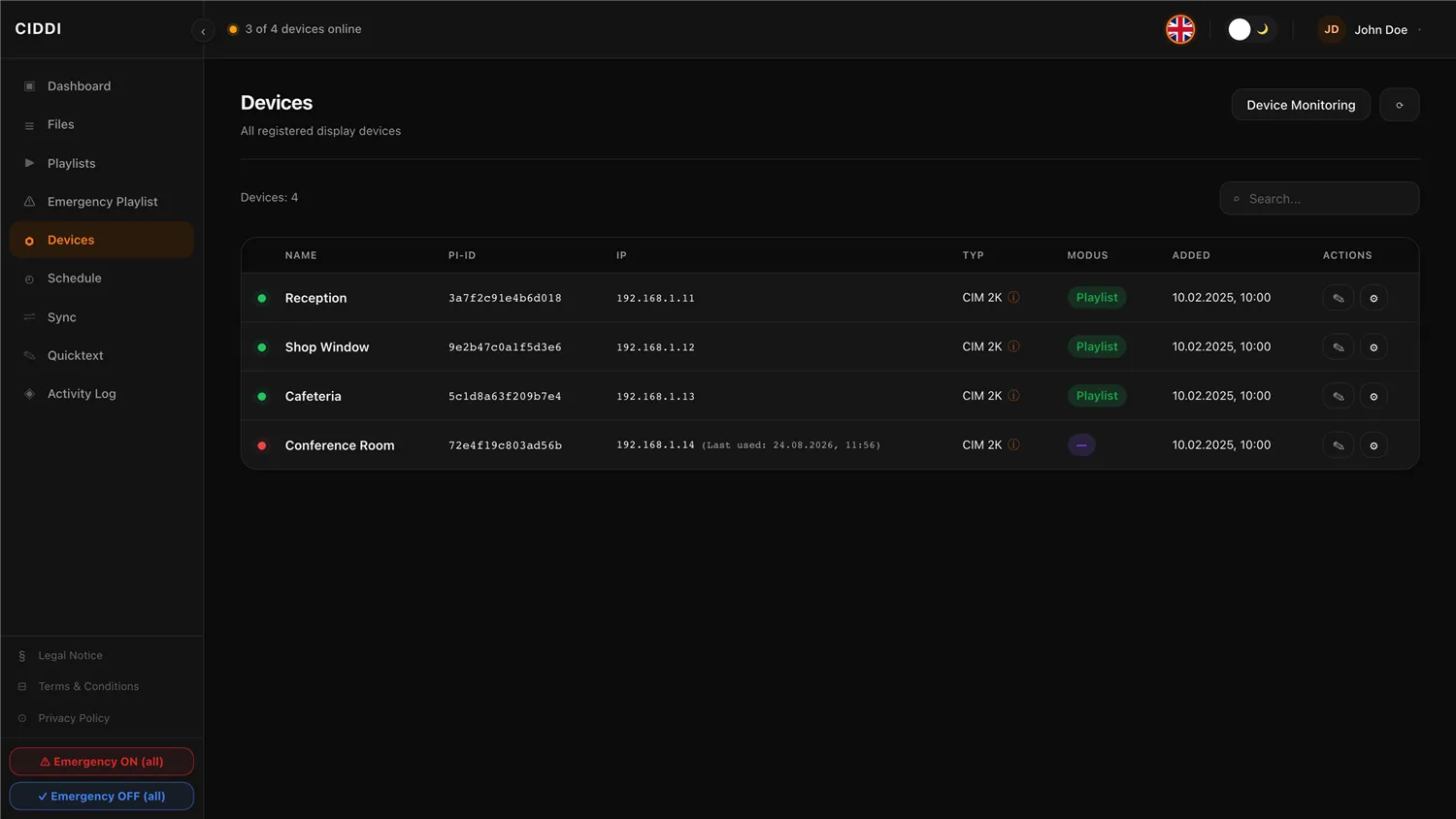
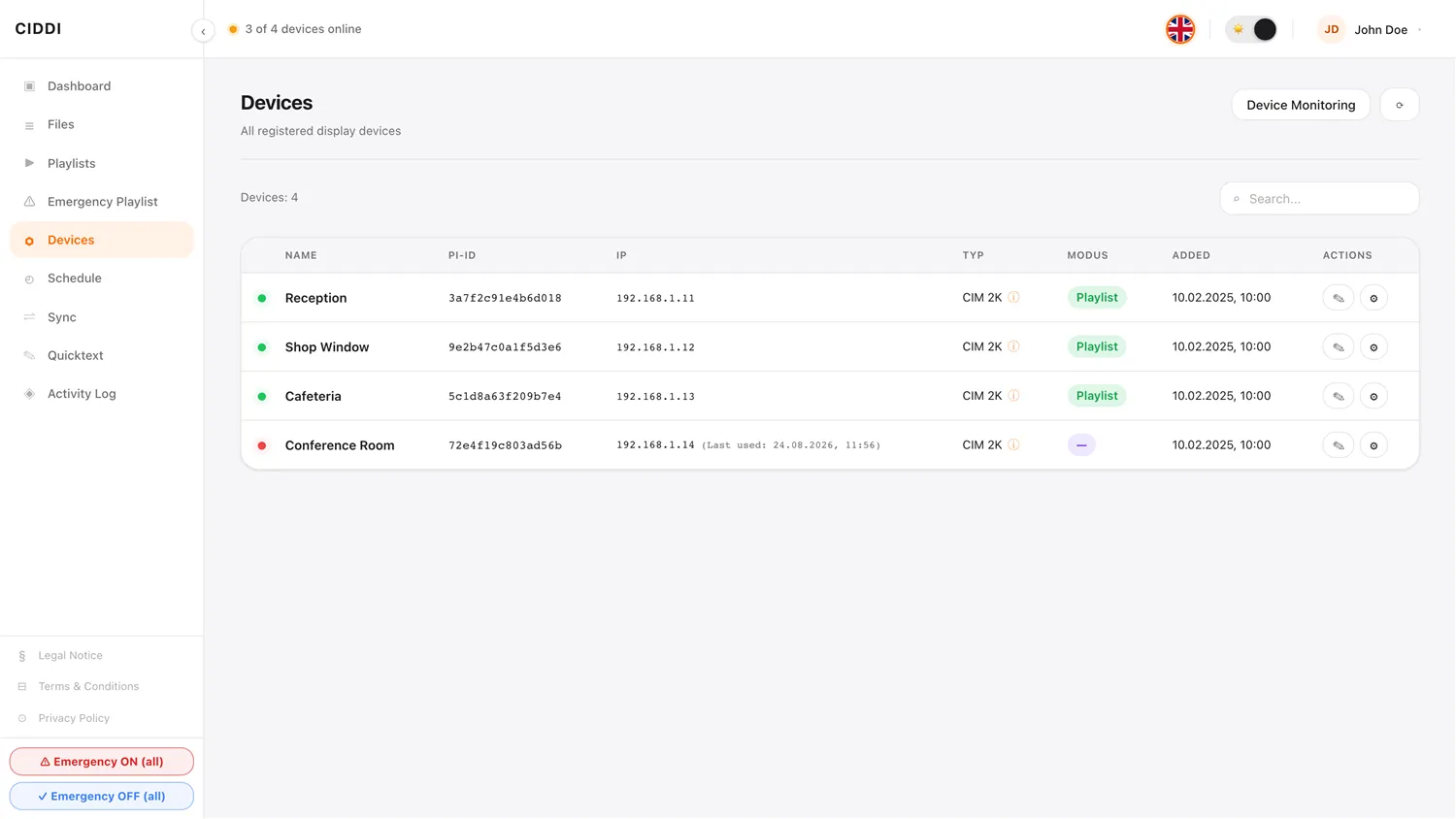
The device overview lists every connected screen with live status, IP and location. One click is enough to rename a screen, restart it or switch it into security mode.
Control in detail
The control centre for every single screen
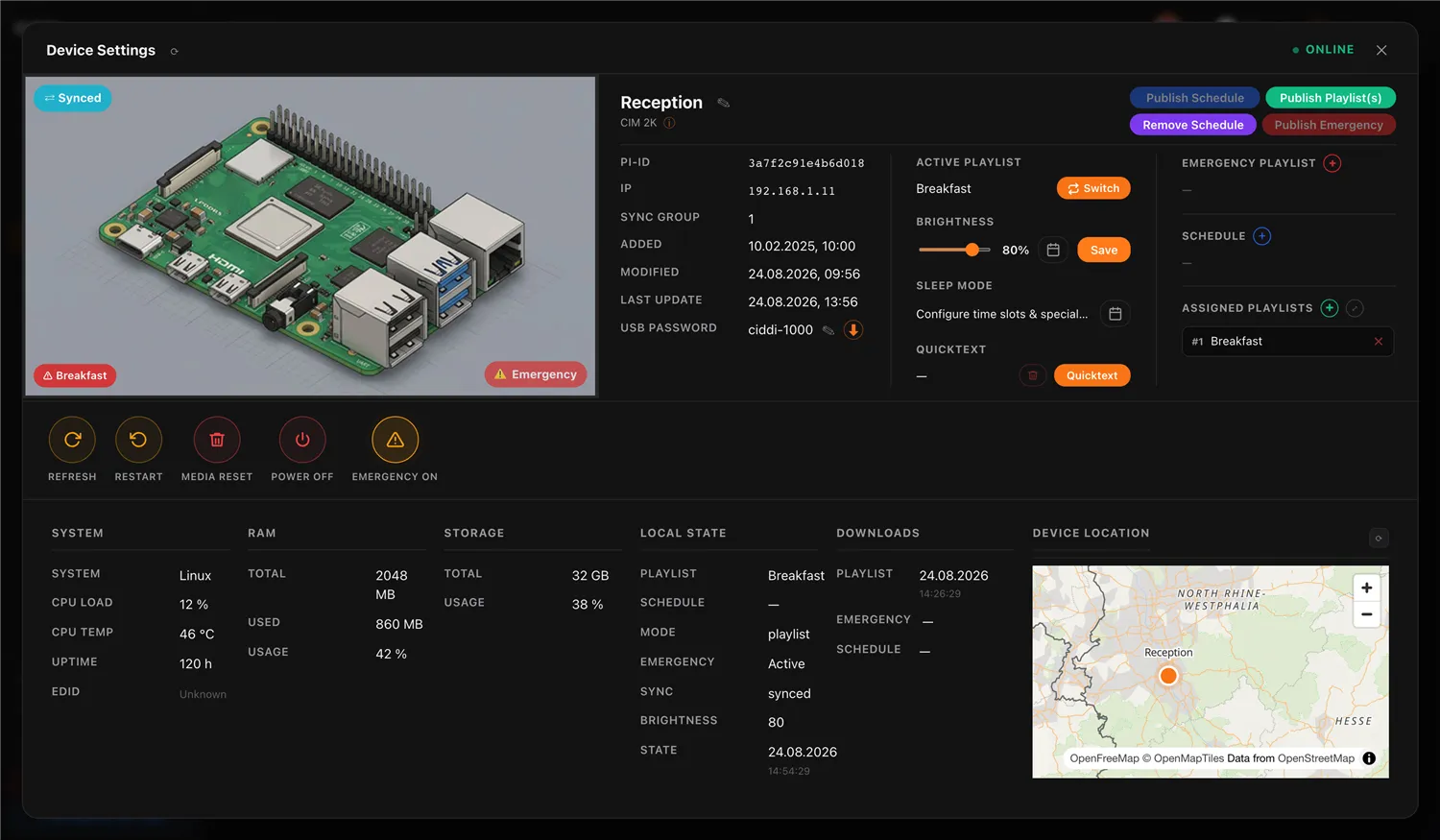
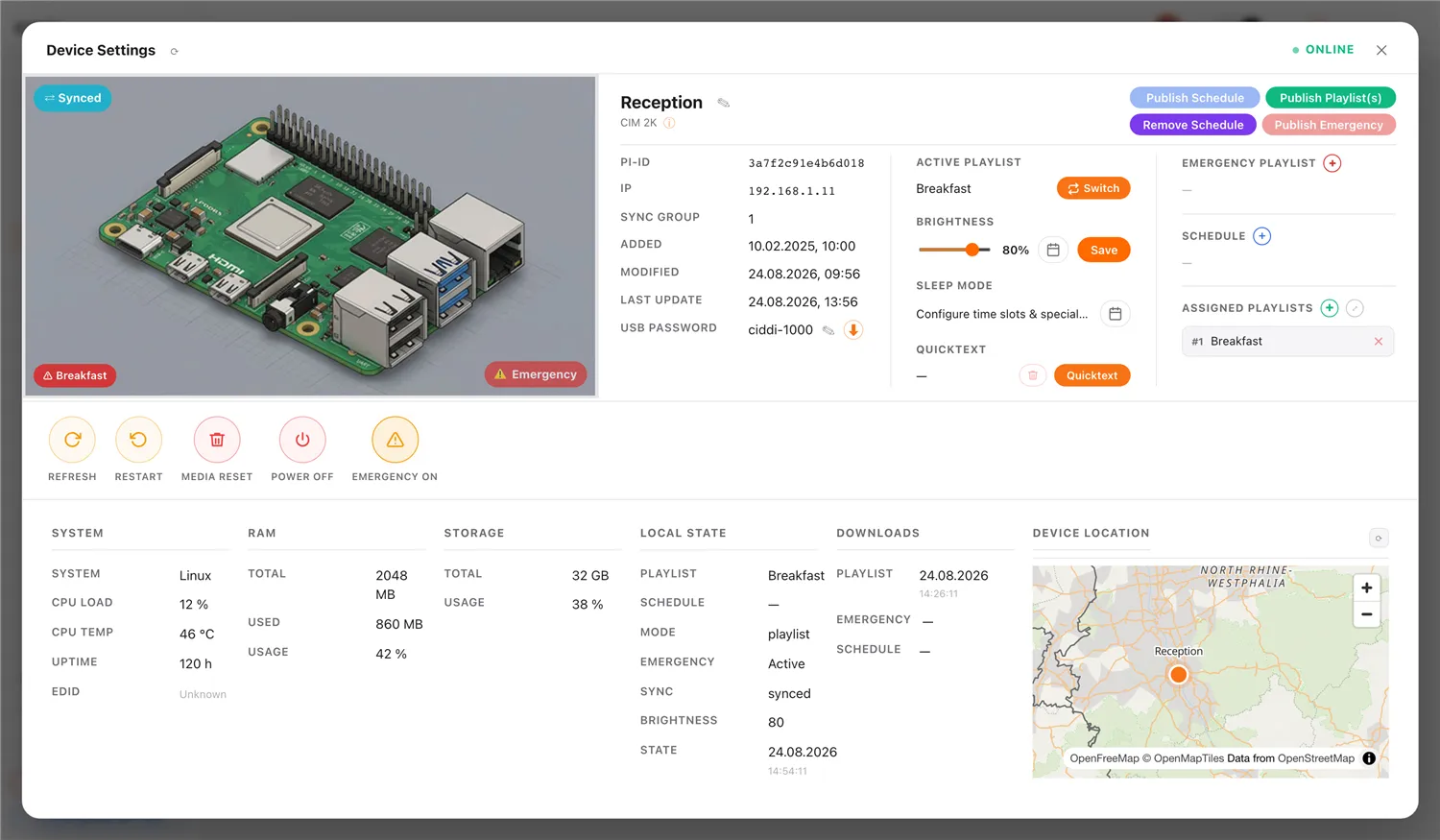
In device settings you assign playlists and schedules, adjust brightness and keep an eye on temperature, connection and location – including security features in case of theft or failure.
In real time
Show important messages instantly
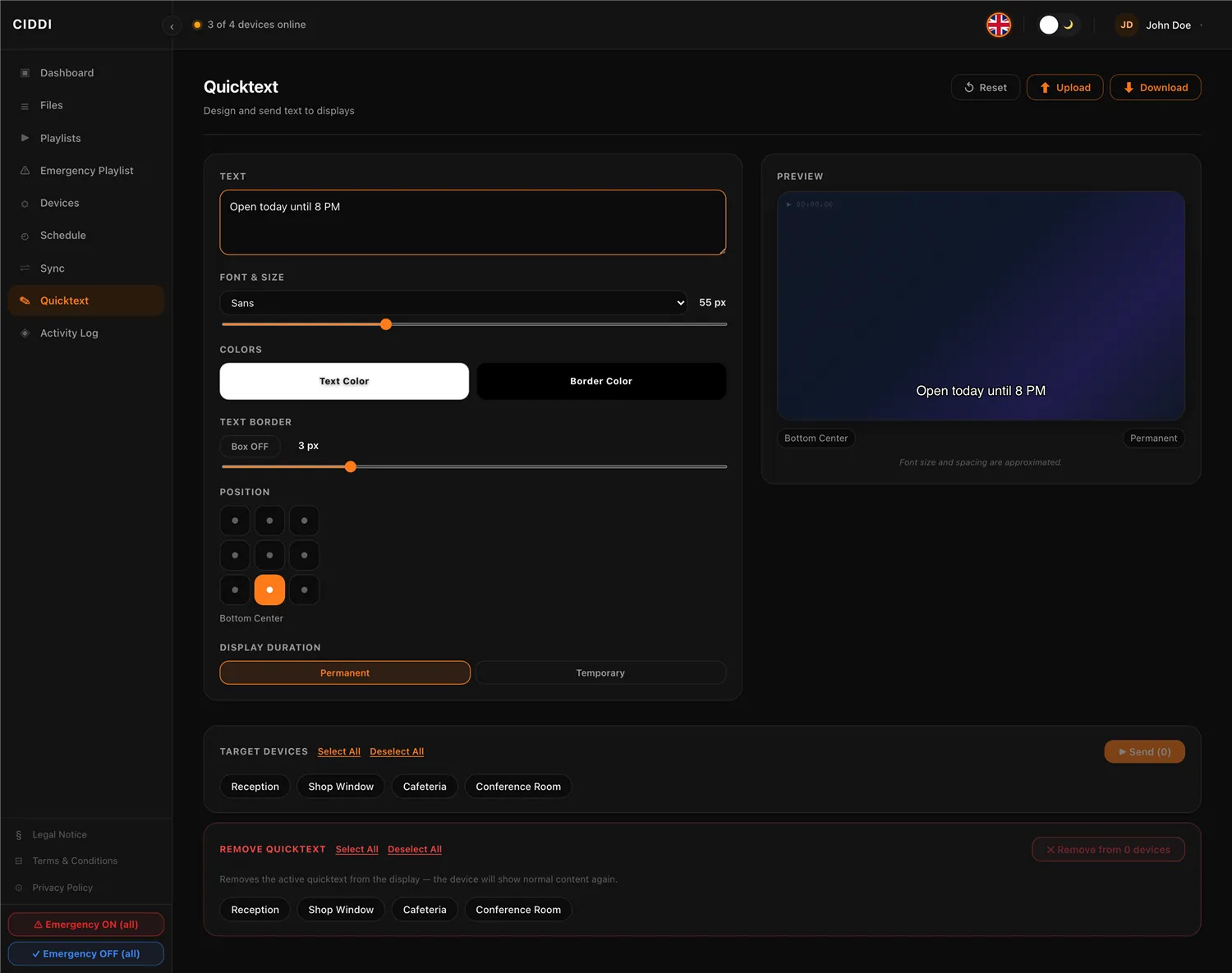
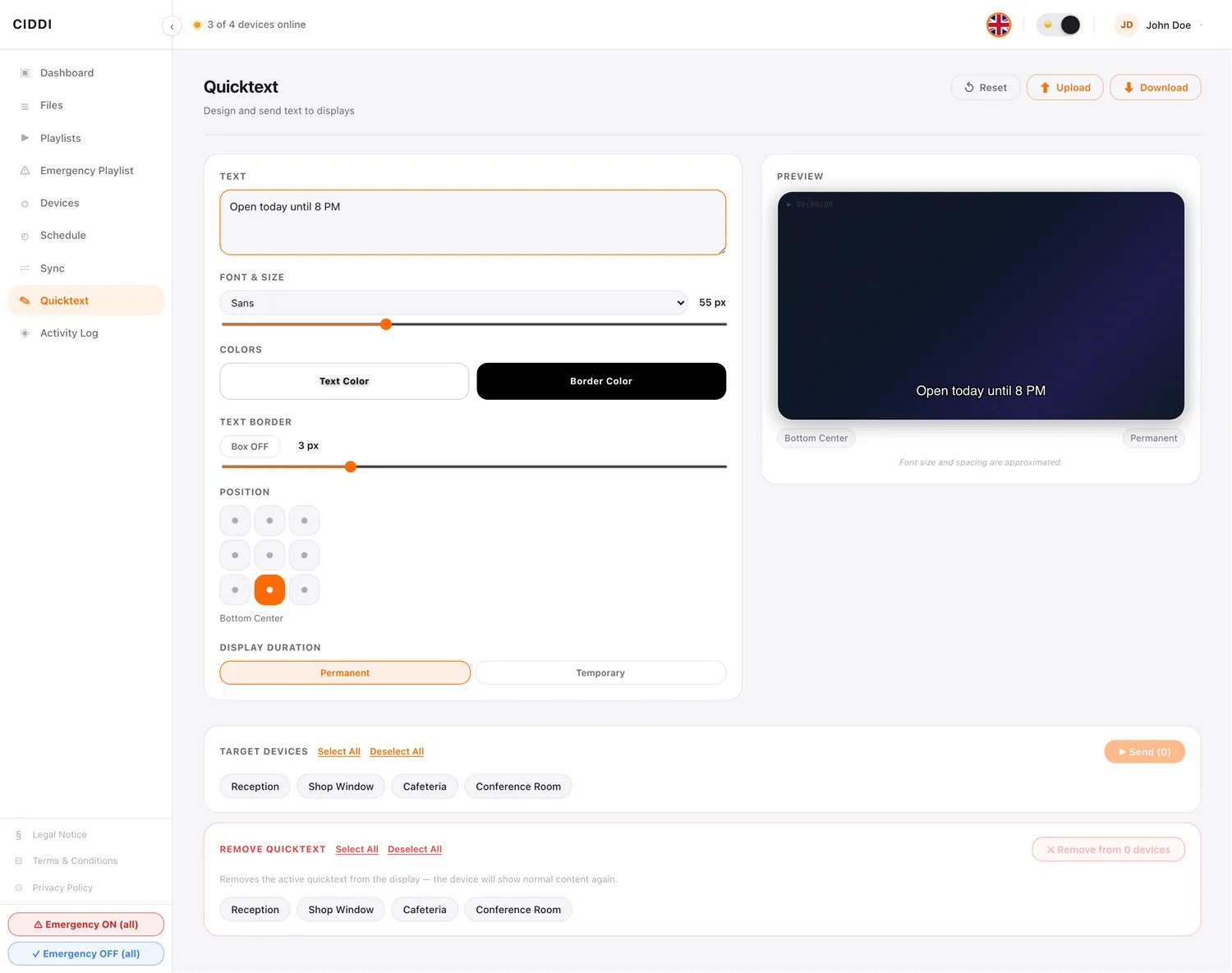
Whether an announcement, a route change or an emergency notice: with quicktext your message appears within seconds on all selected screens – freely positioned, in your own font, colour and display duration.
Automated
The day schedules itself
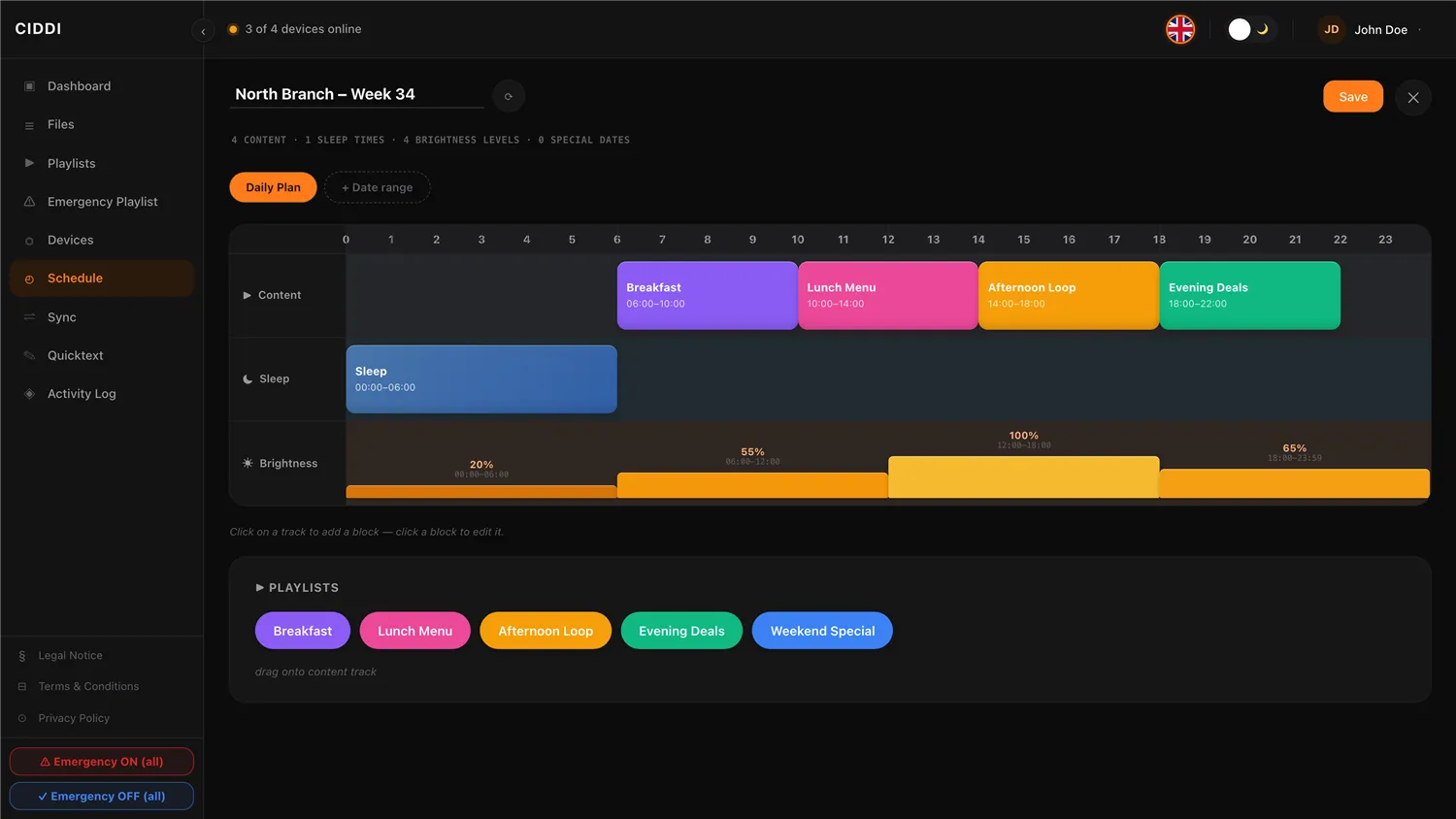
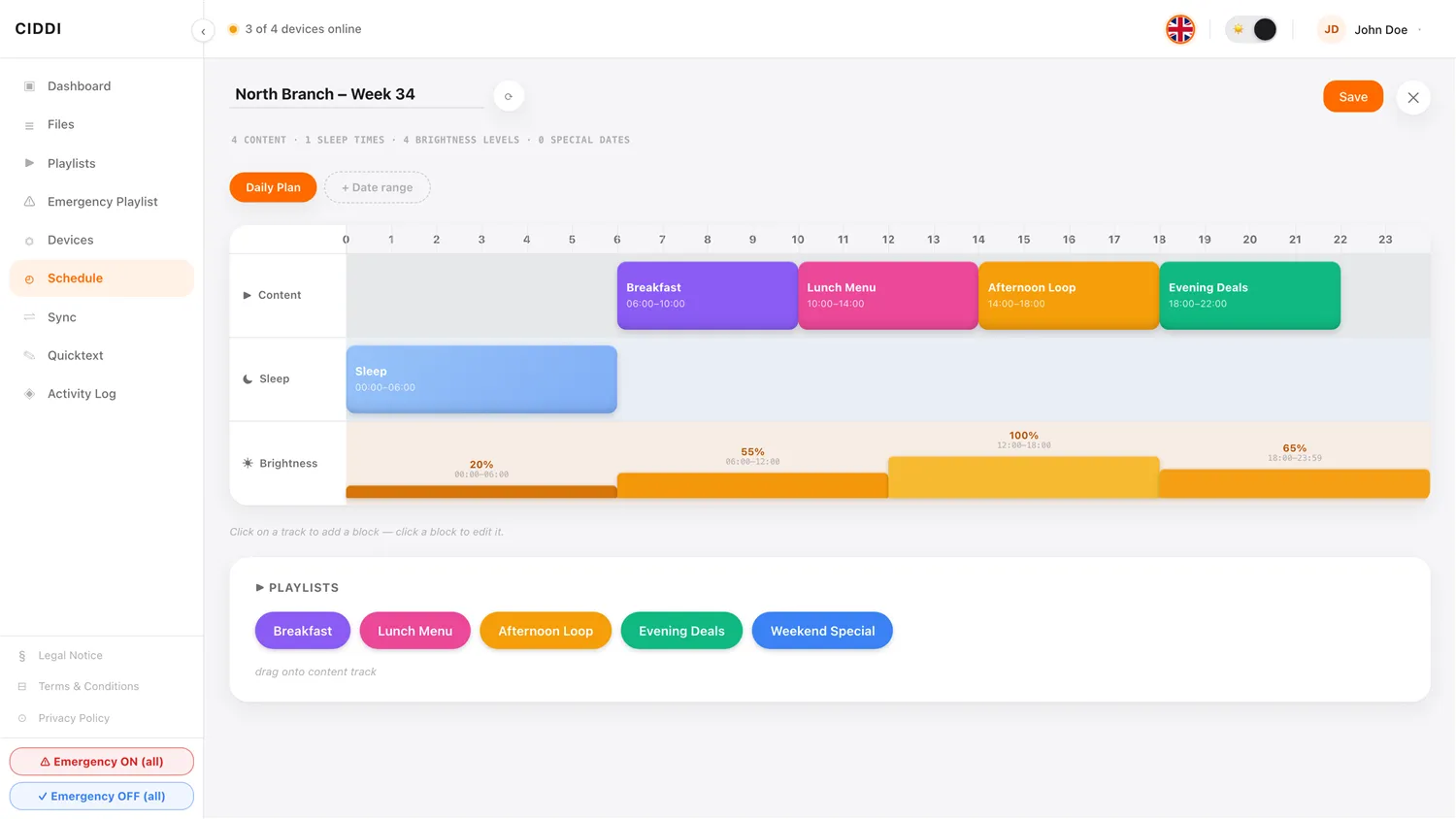
In the schedule editor you define which playlist runs when, when a screen sleeps, and how bright it shines at each time of day – set it up once, and it runs automatically every day.
Let's plan your CIDDI project.
Consulting, setup and support for your screen network – all from a single source.